Cat6 vs Cat6A for Commercial Buildings: A Procurement Comparison
Updated 2026-07-27
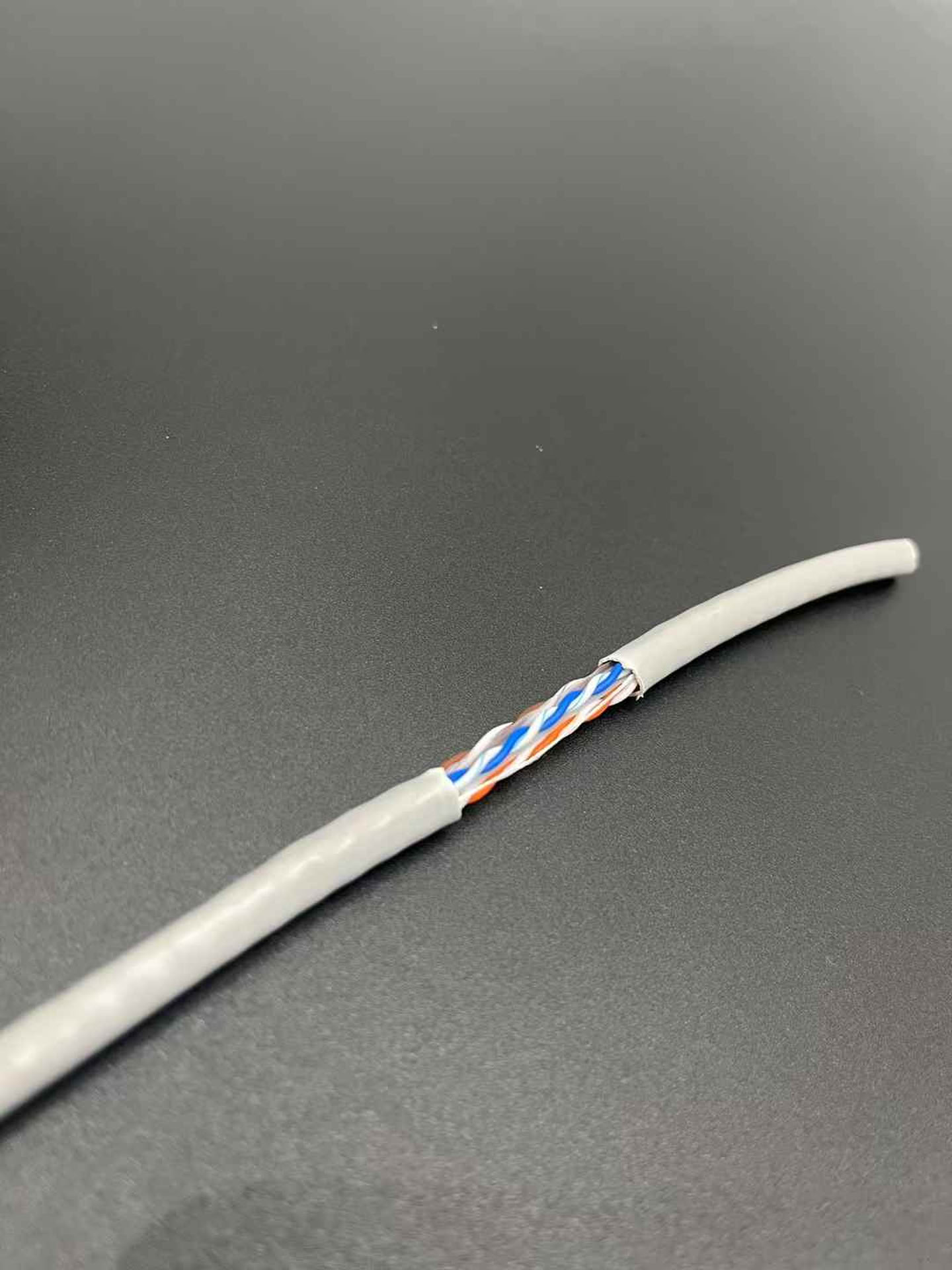
A procurement-focused comparison of Cat6 and Cat6A cabling for commercial buildings, guiding contractors and system integrators through requirement definition, supplier documentation review, sample inspection, and RFQ preparation.
Define Applications and Constraints Without Assuming Category Performance Values
Before comparing Cat6 and Cat6A cables, document the specific applications the cabling must support. For each application, list the required data rate, link length, and environmental conditions. Do not assume that a category label guarantees a particular performance level. Instead, record the project's actual requirements and use them to evaluate supplier documentation.
Consider the following questions during this phase:
- What is the maximum link length for each application?
- What is the required data rate for each application?
- What is the electromagnetic interference (EMI) environment? Is shielding needed?
- What are the pathway constraints (conduit fill, bend radius, cable tray width)?
- What are the fire and smoke ratings required by local codes?
- What is the expected lifespan of the installation?
Document these requirements in a written specification. This specification will be the basis for all subsequent procurement steps.
Build a Requirement Matrix for Both Categories Using Fields the Buyer Must Confirm
Create a matrix that lists the specification fields you will verify for each cable category. The buyer must confirm each field from the supplier's documentation. Below is an example decision table for comparing Cat6 and Cat6A bulk cable records.
| Specification Field | Cat6 Requirement | Cat6A Requirement | Buyer Action |
|---|---|---|---|
| Conductor material | Confirm from datasheet | Confirm from datasheet | Request evidence of material type (e.g., bare copper, CCA) |
| Conductor gauge | Confirm from datasheet | Confirm from datasheet | Check AWG value; note that gauge may differ between categories |
| Jacket material | Confirm from datasheet | Confirm from datasheet | Verify PVC, LSZH, or other as required for plenum/riser |
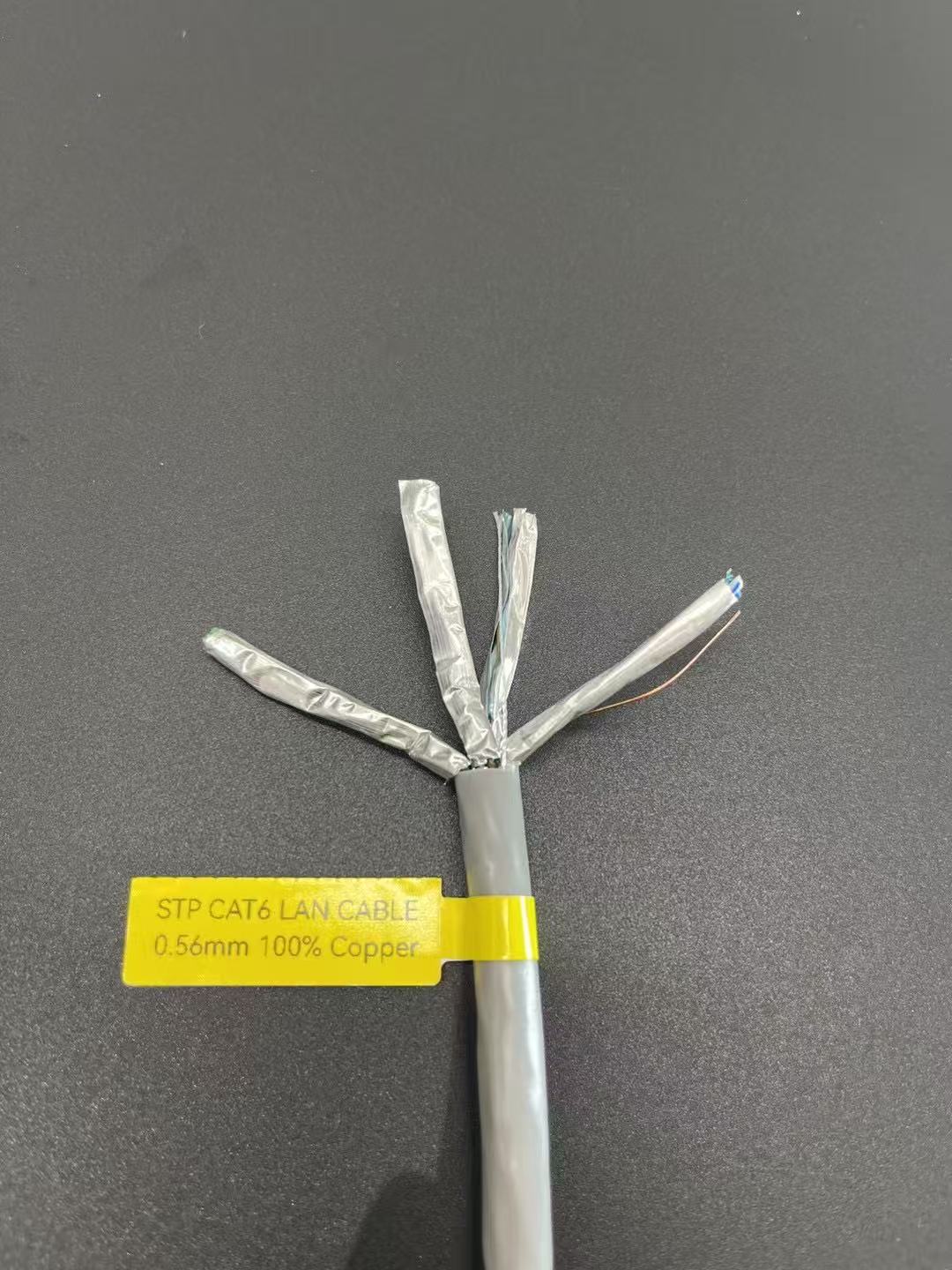
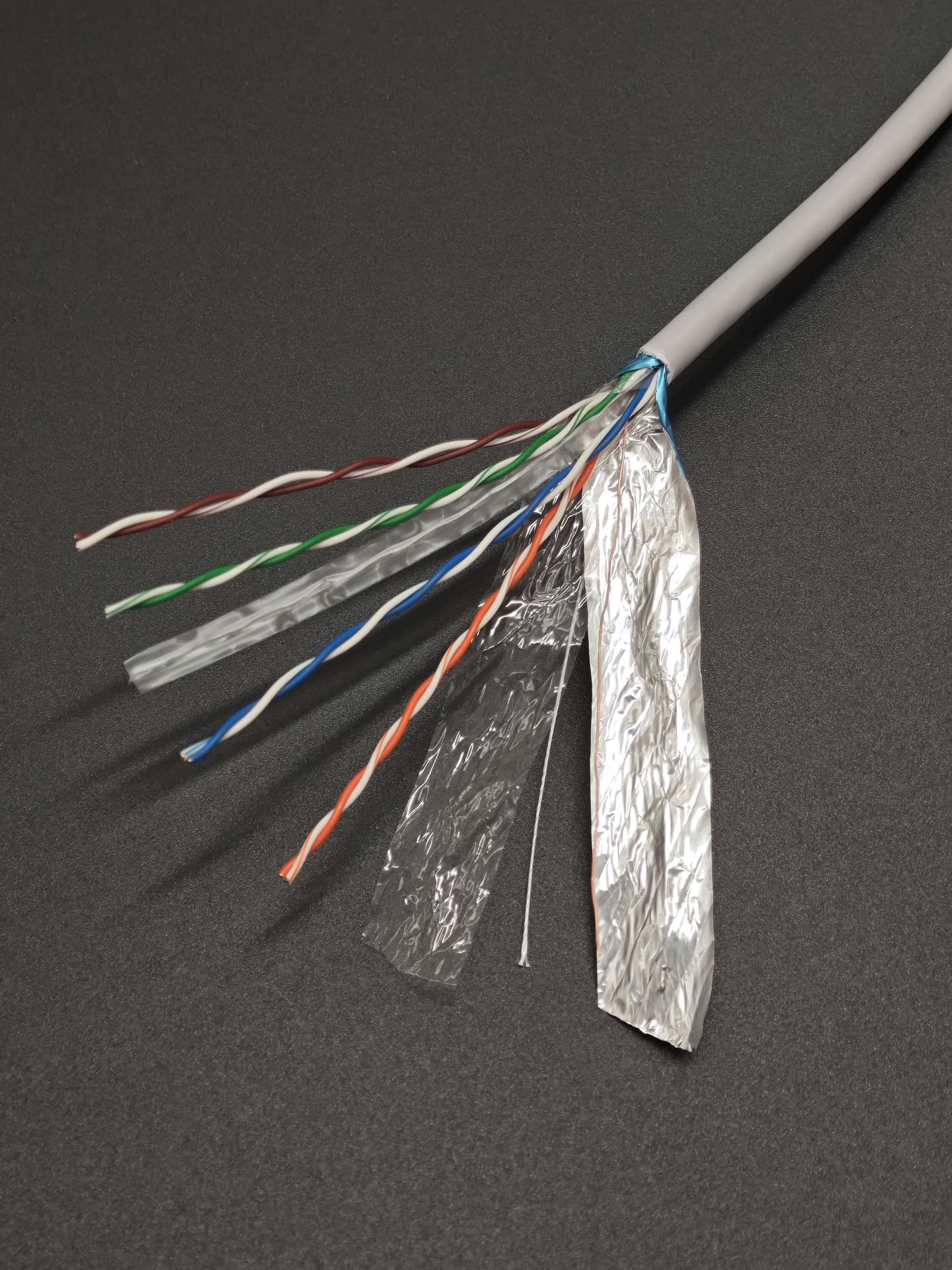
| Shielding type | UTP, FTP, or SFTP | UTP, FTP, or SFTP | Select based on EMI environment; confirm from supplier |
| Length per reel | Confirm from datasheet | Confirm from datasheet | Standard lengths (e.g., 305m) may vary; verify |
| Packaging | Confirm from datasheet | Confirm from datasheet | Reel type, box, or spool |
Use this matrix to compare supplier records on the same basis. Do not assume that a product labeled "Cat6A" meets all Cat6A requirements; verify each field.
Request Exact Supplier Datasheets and Evidence Records
For each candidate supplier, request a datasheet that includes the specification fields listed in your requirement matrix. The datasheet should be for the exact model you intend to purchase. Do not accept generic marketing materials. For each field, ask the supplier to provide evidence, such as a product page or a technical drawing.
For example, if you are evaluating a Cat6 patch cord, request the datasheet for that specific model. The datasheet should include the conductor material, conductor gauge, jacket material, shielding type, length, and packaging. Compare the datasheet fields against your requirement matrix.
Inspect Samples for Specified Construction and Labeling Fields
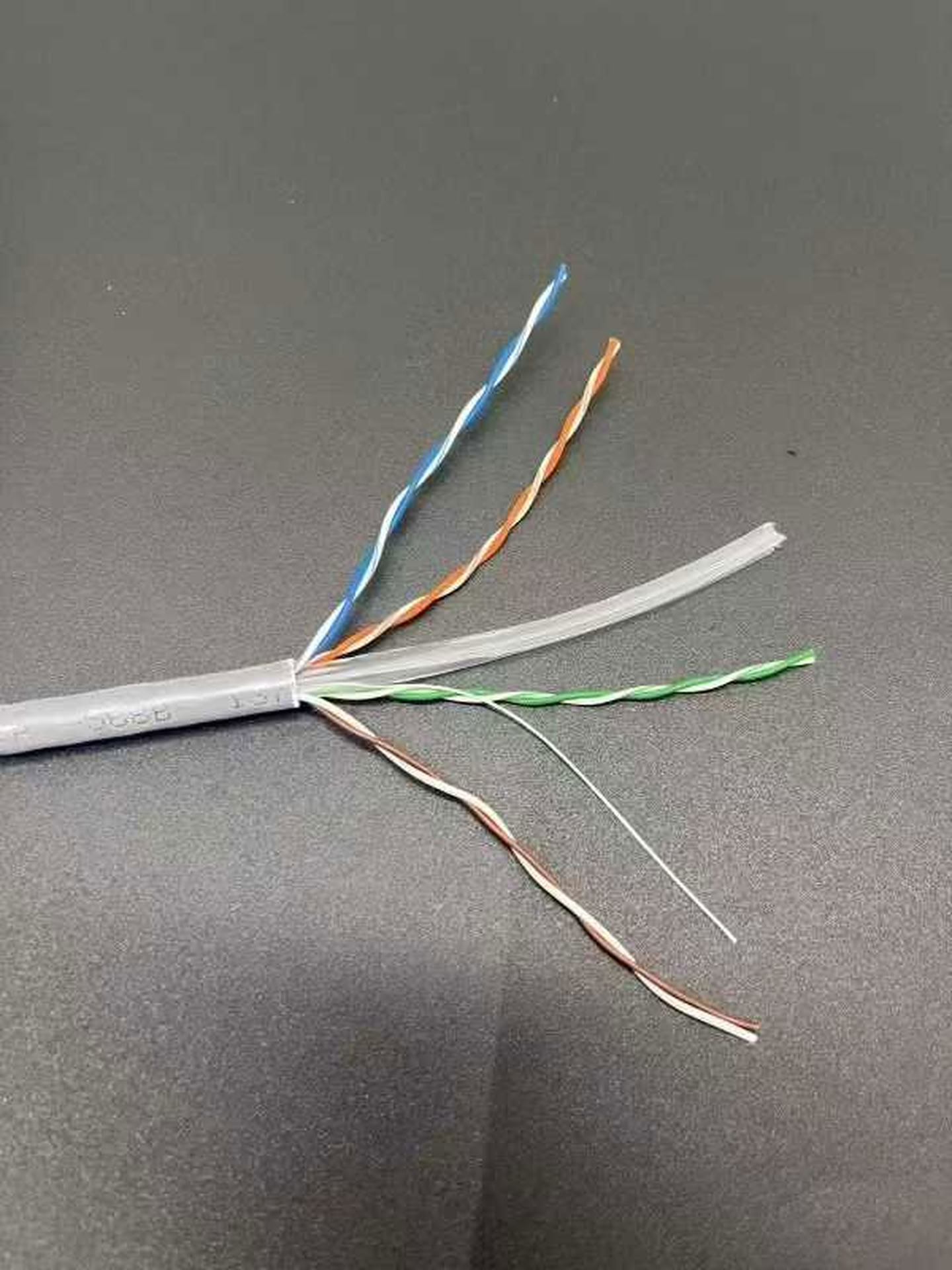
Before placing a bulk order, obtain samples of each candidate cable. Inspect the samples for the following: the conductor material stated in the approved datasheet, conductor gauge, jacket material, shielding type, and any labeling that indicates category. Use a micrometer to measure outer diameter and conductor diameter. Verify that the labeling matches the datasheet. For patch cords, check the connector type and pinout. Document any discrepancies and discuss with the supplier.
Use the following procurement checklist during sample inspection:
- Conductor material matches datasheet
- Conductor gauge (AWG) matches datasheet
- Jacket material (PVC, LSZH, PE) matches datasheet
- Shielding type (UTP, FTP, SFTP) matches datasheet
- Outer diameter within specified tolerance
- Category label on cable jacket matches ordered category
- Connector type and color match specification
- Packaging type and labeling match order
Coordinate Cable, Pathways, Termination Hardware, and Installer Requirements
Selecting the cable is only one part of the installation. Coordinate the cable with the pathways (conduit, cable tray, raceway), termination hardware (jacks, patch panels), and installer requirements. For example, if the pathway has tight bends, a cable with a smaller outer diameter may be easier to pull. If the installation requires a specific connector type, ensure the cable is compatible. Document the following: pathway fill ratio, bend radius, pulling tension, and termination method. Share these requirements with the supplier to confirm that the cable meets the installation constraints.
For patch cords, verify the length and connector type. For bulk cable, confirm the reel length and packaging. If the project requires a specific color for identification, confirm that the supplier can provide that color.
Normalize Quotations Against One Written Specification Without Making Price Claims
When comparing quotations from multiple suppliers, normalize each quote against a single written specification. The specification should include all the fields from the requirement matrix. Do not compare prices directly without ensuring that the products are equivalent. For each quote, verify that the model number, specifications, and any included services (e.g., testing, documentation) match the specification. If a supplier offers a different product, request a revised quote that matches the specification.
Focus on the process of comparing quotations on an equal basis. Document any deviations and discuss with the supplier before making a decision.
Define Receipt, Installation, and Acceptance Records
Before the cable arrives, define the receipt, installation, and acceptance records. Upon receipt, inspect the packaging for damage and verify that the quantity and model numbers match the purchase order. During installation, record the cable lengths, pathway locations, and termination points. After installation, perform acceptance testing according to the project specification. The acceptance records should include test results for each link or channel, as defined by the applicable standard.
Prepare an RFQ Package and Feasibility-Review Request
SIPU is the legal manufacturing entity.
Compile all the information from the previous steps into a Request for Quotation (RFQ) package. The RFQ should include the project specification, requirement matrix, sample inspection results, and any acceptance criteria. Send the RFQ to multiple suppliers, including SIPU, and request a feasibility review. The feasibility review should confirm that the supplier can meet the specification and provide the required documentation.
Send SIPU your project specification for a feasibility review.
Confirm model, materials, dimensions, packaging, testing, and documentation with SIPU before ordering.
Send SIPU your project specification for a feasibility review. Send an enquiry.