Structured Cabling Checklist for Commercial Projects
Updated 2026-07-27
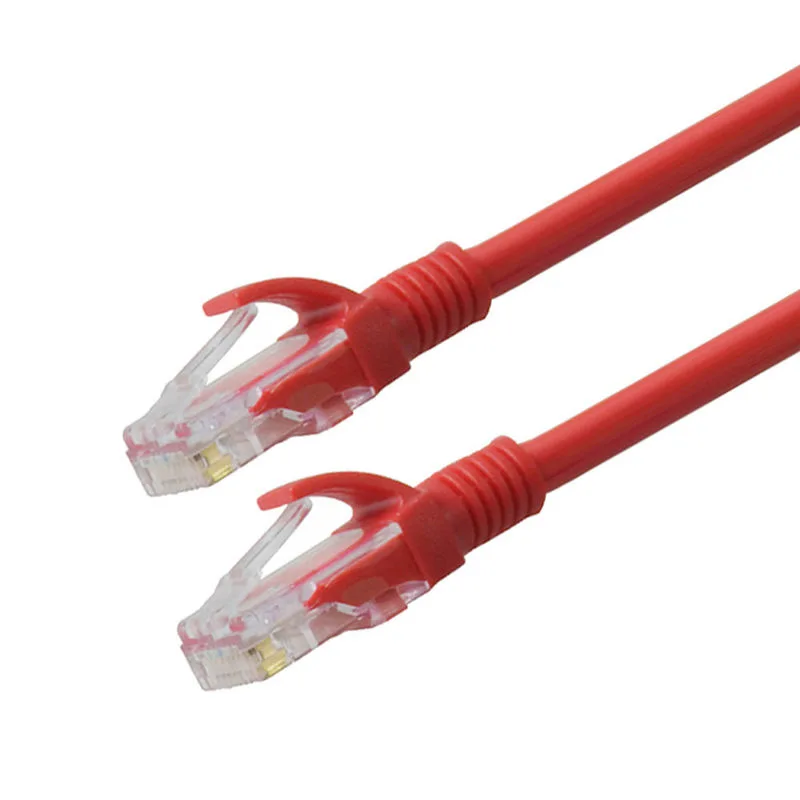
A practical, step-by-step checklist for commercial buyers and project managers to specify structured cabling systems, with guidance on how to align specifications with SIPU's OEM capabilities.
Introduction: Why a Structured Cabling Specification Checklist Matters
A well-defined structured cabling specification is the backbone of any commercial network installation. Without a clear checklist, projects risk mismatched components, performance bottlenecks, and costly rework. This guide walks you through the critical decisions—from cable category to OEM customization—so you can build a specification that meets both current needs and future growth. SIPU is the legal manufacturing entity. By the end, you'll have a actionable checklist to share with your team and suppliers.
Step 1: Define Performance Category (Cat5e to Cat8)
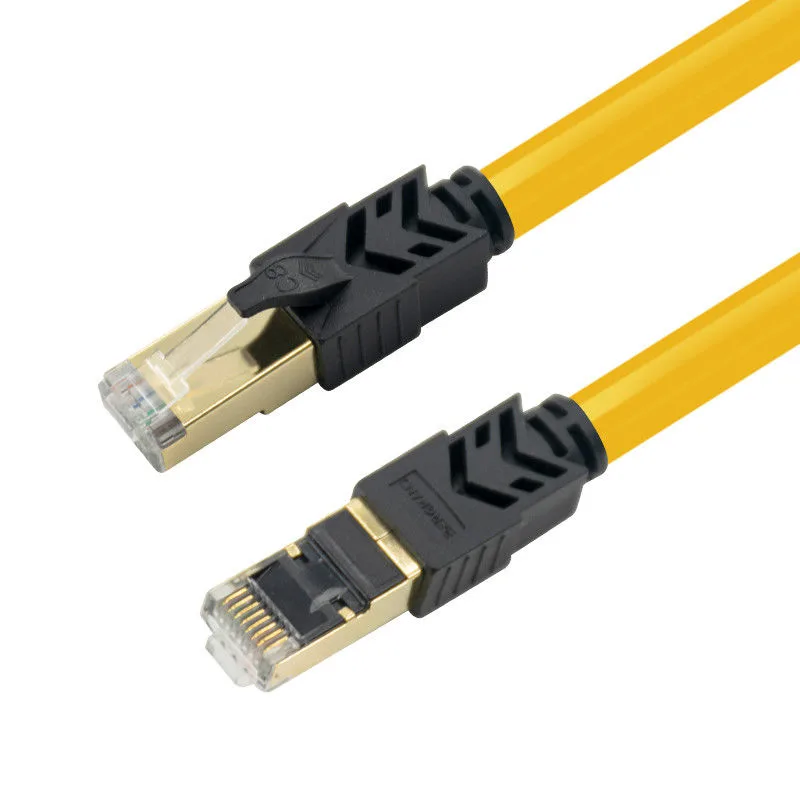
Start by determining the required performance category. Each category supports different bandwidths and applications. Ask: What network speeds do you need now and in the next 5–10 years? For basic office connectivity, Cat5e may suffice, but for high-density data centers or 4K video streaming, Cat6a or Cat7 is often recommended. Cat8 is emerging for 25/40GBASE-T applications in short-reach data center links. Record your decision: Which category aligns with your switch and device capabilities? Consider future-proofing: migrating to higher categories now can avoid later recabling costs. For example, the Premium Cat7 Ethernet Cable 1M RJ45 STP10 Gigabit 600MHz High Speed Network wire Patch cable LAN cord Cat 7 (model SPWX-007) is a double-shielded patch cord suitable for high-speed networks. Also, the Yellow Ethernet Cat 8 Patch Cord 1m - 15mtrs Round Shape For Instrumentation (model SP-T5U001) offers Cat8 performance for instrumentation and multimedia. Use the table below to compare typical use cases.
| Category | Typical Bandwidth | Common Applications |
|---|---|---|
| Cat5e | 100 MHz | Basic office networks, VoIP phones |
| Cat6 | 250 MHz | Gigabit Ethernet, small business servers |
| Cat6a | 500 MHz | 10 Gigabit Ethernet, data centers |
| Cat7 | 600 MHz | 10 Gigabit Ethernet, shielded environments |
| Cat8 | 2000 MHz | 25/40 Gigabit Ethernet, short-reach data center |
Step 2: Choose Shielding Type (UTP, FTP, SFTP)
Shielding protects against electromagnetic interference (EMI) and crosstalk. Evaluate your environment: Is the cabling near power lines, machinery, or radio equipment? Unshielded Twisted Pair (UTP) is cost-effective for low-interference office settings. Foiled Twisted Pair (FTP) adds an overall foil shield, suitable for moderate EMI. Shielded Foiled Twisted Pair (SFTP) provides individual pair shielding plus an overall braid, ideal for industrial or high-interference areas. Check local building codes and project specifications for shielding requirements. For instance, the 305m Per Roll Cat5 Network Cable SFTP/UTP/FTP Ethernet Network Cables (model SP-W5SF001) is available in SFTP, UTP, and FTP variants, allowing you to match the shielding to your site conditions. Record your choice: UTP, FTP, or SFTP? Note that shielded systems require proper grounding to be effective.
Step 3: Select Jacket Material (PVC, LSZH, PE)
The cable jacket determines fire safety, environmental resistance, and installation flexibility. PVC (Polyvinyl Chloride) is common for indoor use due to its durability and cost-effectiveness. LSZH (Low Smoke Zero Halogen) is mandated in many commercial buildings for plenum and riser spaces because it emits less toxic smoke during a fire. PE (Polyethylene) is preferred for outdoor or direct-burial applications due to its moisture resistance. Ask: Where will the cable be installed? Check local fire codes and building regulations. For example, the Length 1.8m 2m 10m Rj45 CAT5 Patch Cord 6.0mm OD For Cabling System (model SP-T5U003) offers jacket options including LSZH, PVC, and PE. Document your jacket material selection and any required fire ratings.
Step 4: Determine Conductor Material (Bare Copper, CCA, CCS)
Conductor material affects signal integrity, power delivery (for PoE), and cost. Bare copper offers the best conductivity and flexibility, making it the top choice for high-performance and PoE applications. Copper-Clad Aluminum (CCA) is lighter and more affordable but has higher resistance, which can limit PoE distances and cause heat buildup. Copper-Clad Steel (CCS) is used for strength in certain outdoor or long-span applications but is not suitable for data transmission. Evaluate your PoE requirements and budget. For critical links, bare copper is recommended. The Yellow Ethernet Cat 8 Patch Cord (model SP-T5U001) lists conductor material options as 99.99% Bare Copper, CCA, or CCS. Record your conductor choice and verify it aligns with your performance and power needs.
Step 5: Specify Cable Lengths and Packaging (Patch Cords vs. Bulk)
Decide between pre-terminated patch cords and bulk cable for on-site termination. Patch cords save installation time and ensure factory-tested performance; they are ideal for connecting devices to outlets. Bulk cable (typically 305m or 1000ft rolls) offers flexibility for custom-length runs and is cost-effective for large horizontal cabling. Consider your project scale and installer expertise. For patch cords, specify exact lengths to avoid excess slack. For bulk cable, plan for termination hardware and testing. The SIPU Cat6 CAT5 Lan Cable Utp Organize 4 Pair Network Cable 305m 1000ft Gray PVC (model SP-W6U001) is a bulk cable option in 305m/1000ft lengths. Use the checklist below to finalize your order.
- Measure and list all required patch cord lengths per workstation.
- Calculate total bulk cable footage, adding 10% for slack and waste.
- Decide on packaging: individual bags for patch cords, spools or boxes for bulk.
- Verify connector types (RJ45) and wiring standard (T568A or T568B).
- Confirm color coding scheme for easy identification.
Step 6: Plan for OEM Customization with SIPU
OEM customization can streamline deployment and reinforce your brand. Consider custom cable colors, lengths, labeling, and packaging. For large projects, custom printing on jackets or connectors can simplify troubleshooting. SIPU's manufacturing capabilities allow for tailored solutions. Send SIPU your project specification for a feasibility review. When planning customization, ask: What labeling scheme will speed up installation? Do you need custom packaging for different zones? Confirm model, materials, dimensions, packaging, testing, and documentation with SIPU before ordering. This step ensures your specification is fully realized in the final product.
Step 7: Review and Validate Your Specification
Before finalizing, review your specification against the project requirements. Check for consistency: Do all components match the chosen category? Are shielding and jacket materials compatible with the installation environment? Validate that conductor materials support PoE budgets. Ensure lengths and packaging align with the installation plan. Share the specification with your installer and supplier for feedback. A thorough review prevents costly mistakes. Remember, SIPU is the legal manufacturing entity. For any custom requirements, send SIPU your project specification for a feasibility review. Confirm model, materials, dimensions, packaging, testing, and documentation with SIPU before ordering. This final step turns your checklist into a reliable, executable plan.
Send SIPU your project specification for a feasibility review.
Send SIPU your project specification for a feasibility review. Send an enquiry.